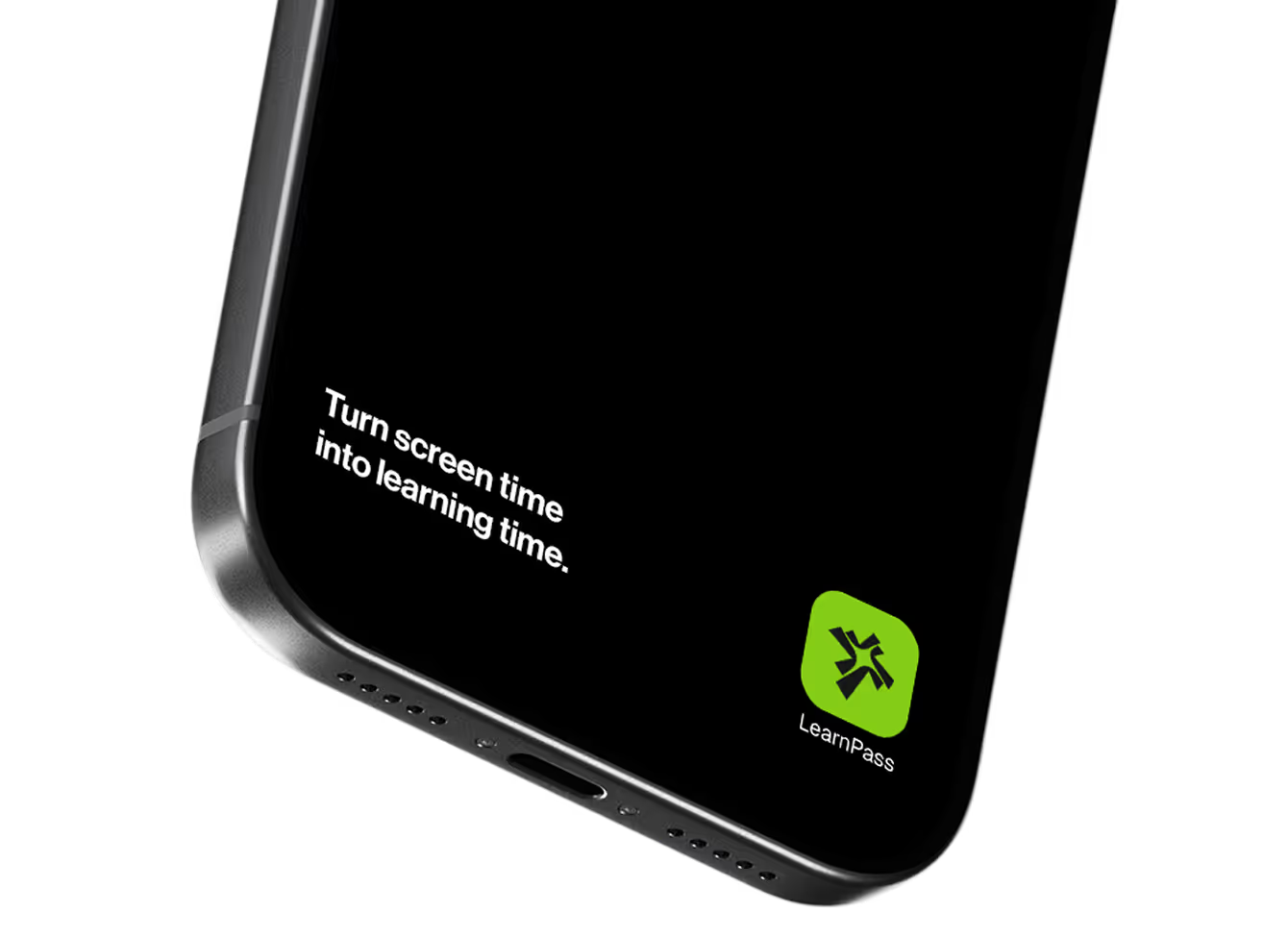
Build your vocabulary without changing your routine
LearnPass turns your daily scroll habit into a vocabulary engine. Answer a few flashcards, earn your social media time, then open any app you want. You are not cutting back. You are leveling up.







.avif)


.avif)
You’re spending more time
scrolling than you think.
The average person spends 2 hours and
31 minutes a day on social media.
That adds up to 38 days a year.
What if that time made you smarter?
Average Daily Scrolling
The time most people spend on social media every single day.
Time Reclaimed Each Year
Turn nearly five weeks of scrolling into meaningful learning.
Potential Vocabulary Growth
Build a stronger vocabulary using the same time you already spend online.
A blocker that
gives something back
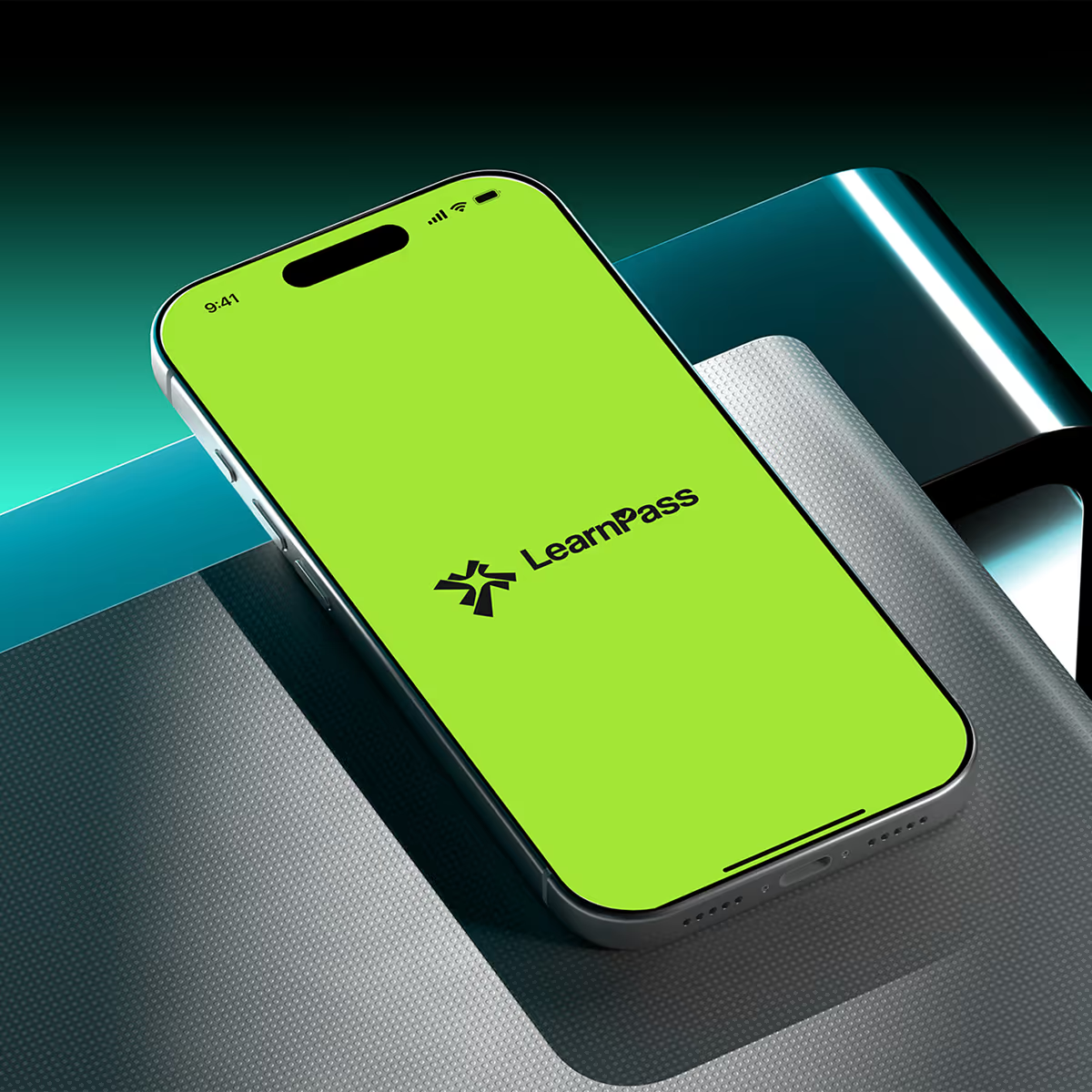
LearnPass turns every attempt to open social media into a chance to build your vocabulary. Earn minutes by answering flashcards, then use those minutes when you want to scroll. The same habit, transformed into lasting progress.
.avif)
.avif)
Three steps. Same habit. Better outcome.
LearnPass fits into the habits you already have. Every time you reach for social media, you get a simple choice: learn a few words now and enjoy your screen time later.
.avif)
Block distracting apps
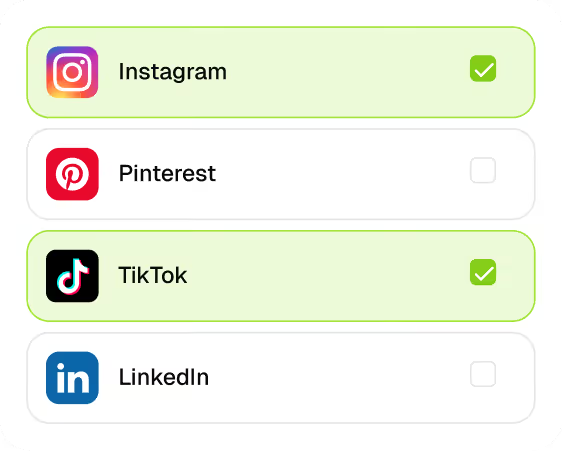
Choose the apps that consume the most time, such as Instagram, TikTok, and X, and let LearnPass intercept them before they open.
.avif)
Earn minutes by learning
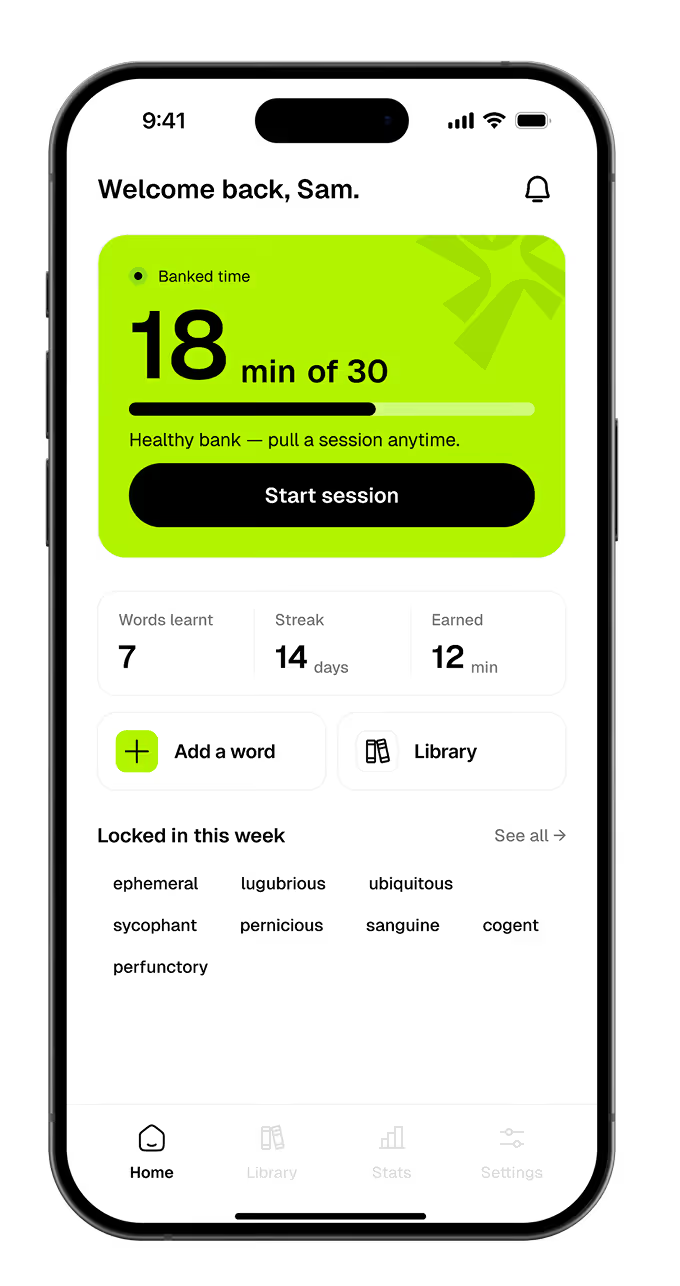
Answer vocabulary flashcards to build your word bank. Every correct answer adds one minute to your available balance.
.png)
Spend saved minutes to scroll
Use your saved minutes whenever you want to access blocked apps. Learn first, then scroll on your terms.
Their words, not us
.avif)
.avif)

.avif)
.avif)
.avif)
.avif)
.avif)
.avif)
Designed to make
every minute count
LearnPass combines app blocking, spaced repetition, and AI-powered
vocabulary tools to turn everyday screen time into lasting progress.
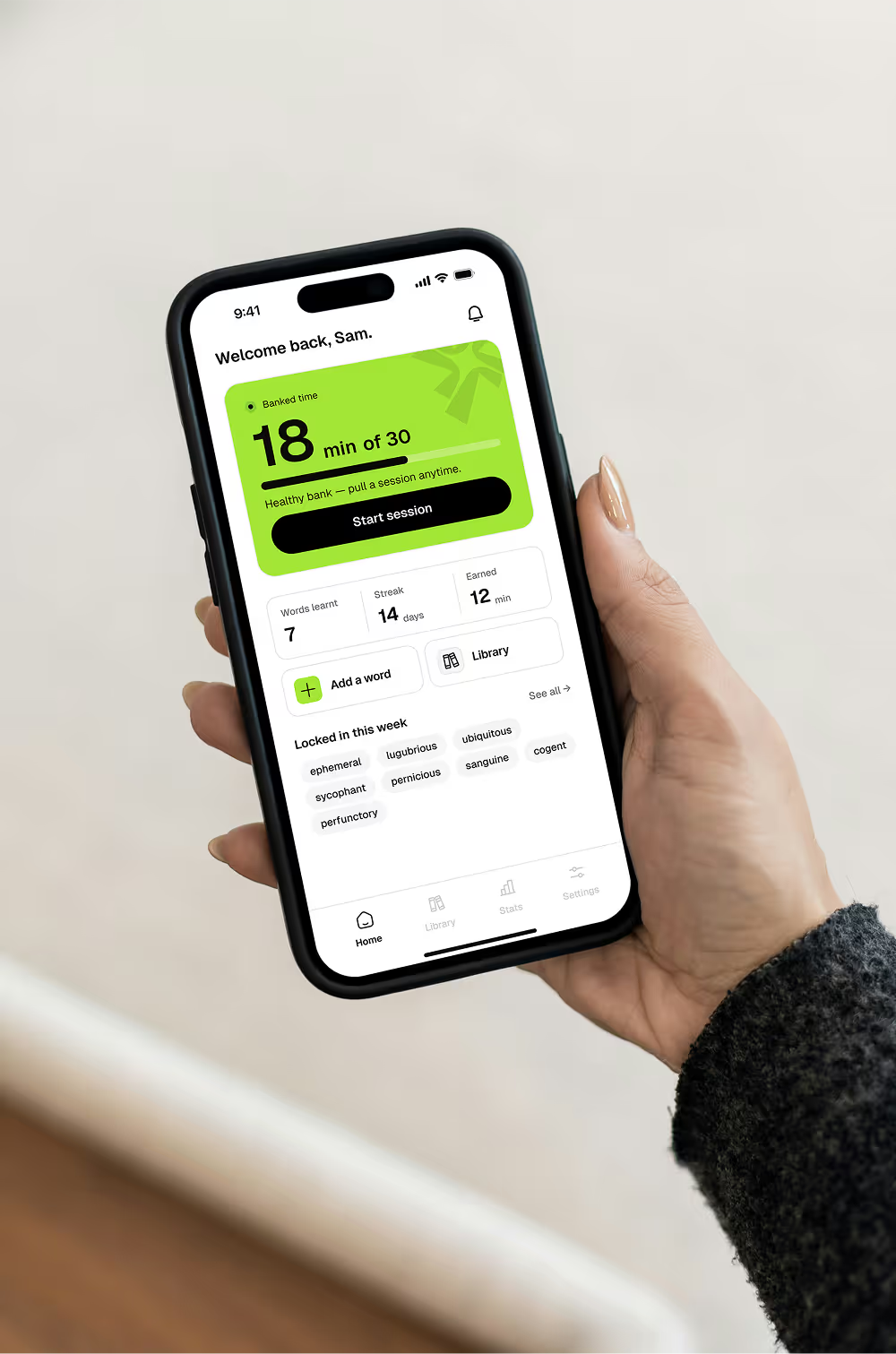
Flashcard Learning
Spaced repetition that helps words stick.
.avif)
.avif)
.avif)
Custom Words
Add any word and let AI generate the rest.
App Blocking
Works with Instagram, TikTok, X, and more.
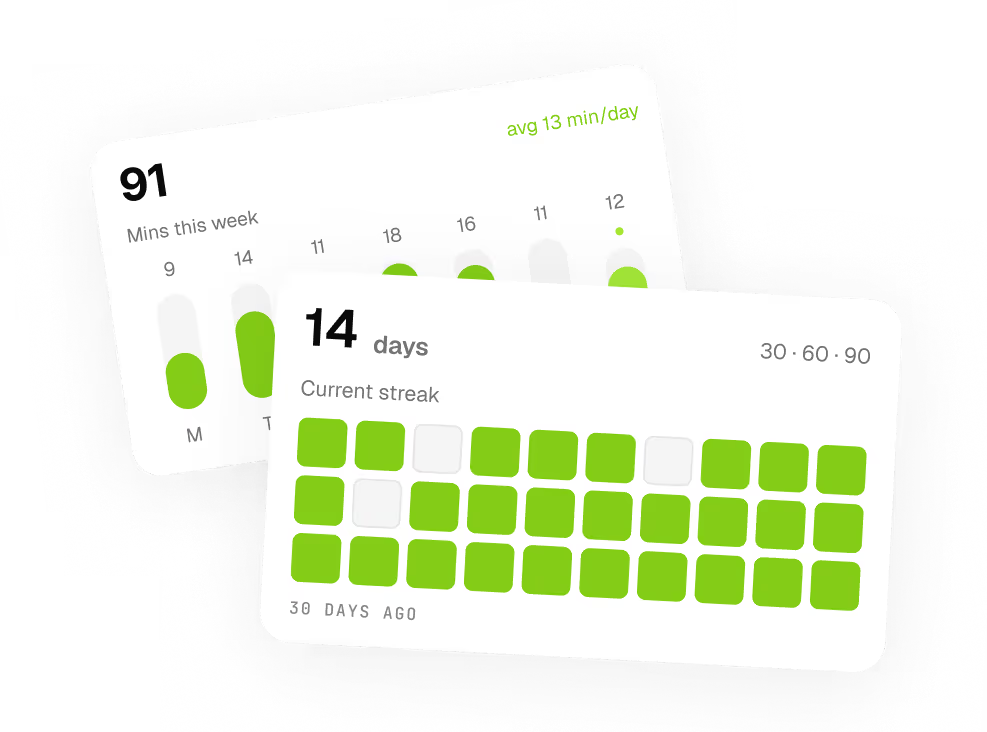
Progress Stats
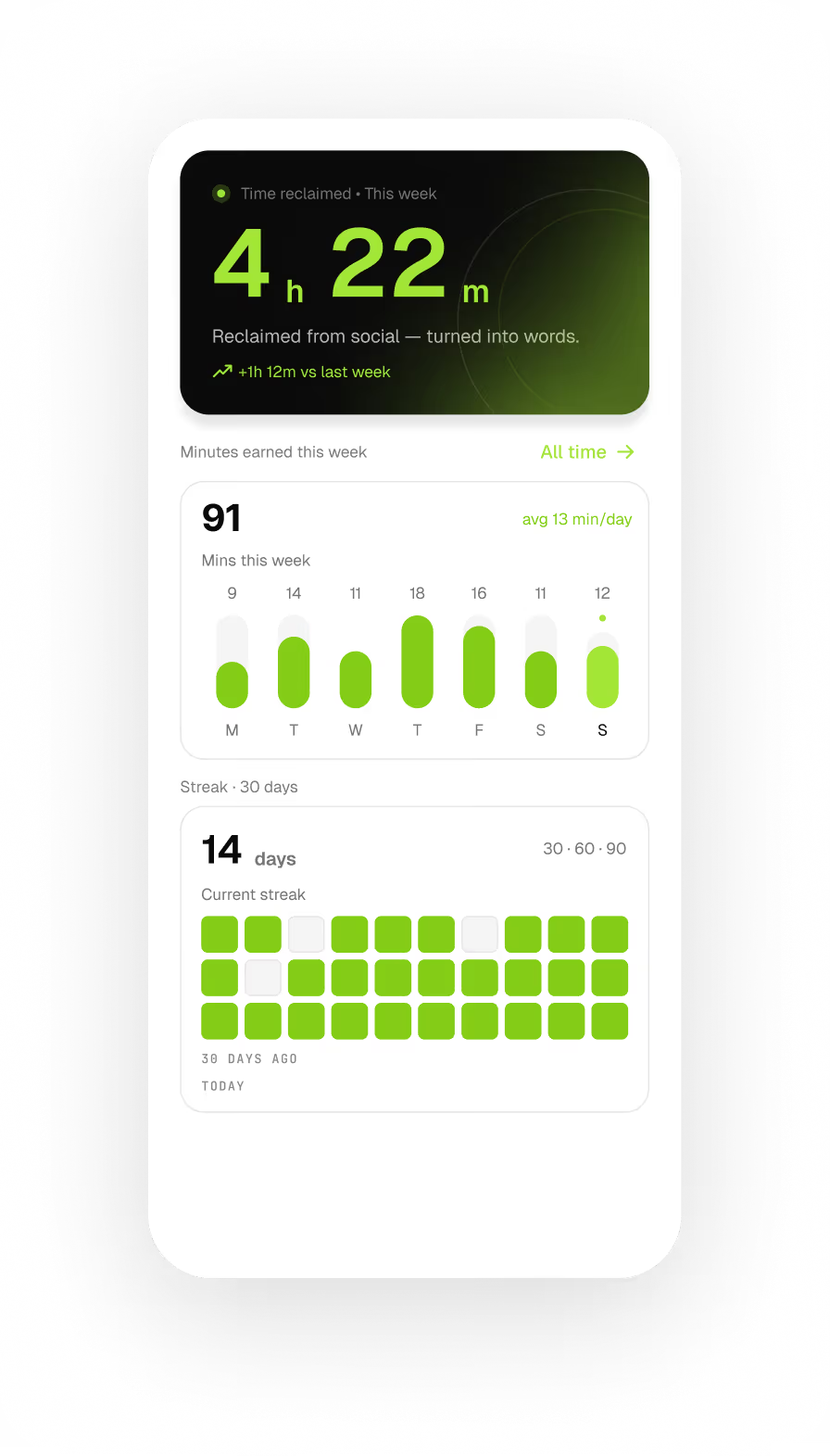
Track words learned, minutes earned, and time reclaimed.

Reclaimed from social — turned into words.

Smart Reminders
Gentle nudges to keep your learning streak alive.
.avif)
Your screen time,
upgraded into value
Everything you
need to know
LearnPass is designed to be simple. Here are the most common questions about learning, the earning system, and subscriptions.
The vocabulary is in English, but definitions are translated into your native language as a secondary helper. LearnPass supports all major languages including Arabic, Farsi, French, Spanish, Japanese, Portuguese, and more. You pick your language during onboarding and can change it anytime in settings.
LearnPass uses your device's built-in Screen Time controls on iPhone and accessibility permissions on Android to intercept selected apps before they open. When you try to open a blocked app, LearnPass steps in and gives you the option to answer flashcards and earn minutes, or spend your existing balance to get in.
Yes. Your banked minutes never reset. If you earn 20 minutes today and only use 8, the remaining 12 are still there tomorrow. There is no daily expiry and no pressure to use them before midnight.
Yes. Type any word and LearnPass generates a definition, example sentence, image, and audio pronunciation using AI. Your custom words enter the same spaced repetition rotation as everything else, so they come back at the right time to stick.
Flashcard sessions work offline for words you have already loaded. Your progress syncs when you reconnect. AI word generation and custom word creation require an internet connection since they run on live models.
Yes. You can cancel directly through your App Store or Google Play account settings at any time. If you cancel, you keep access until the end of your current billing period. No cancellation fees, no friction.
Trade scrolling for learning
Build your vocabulary every time you reach for social media.